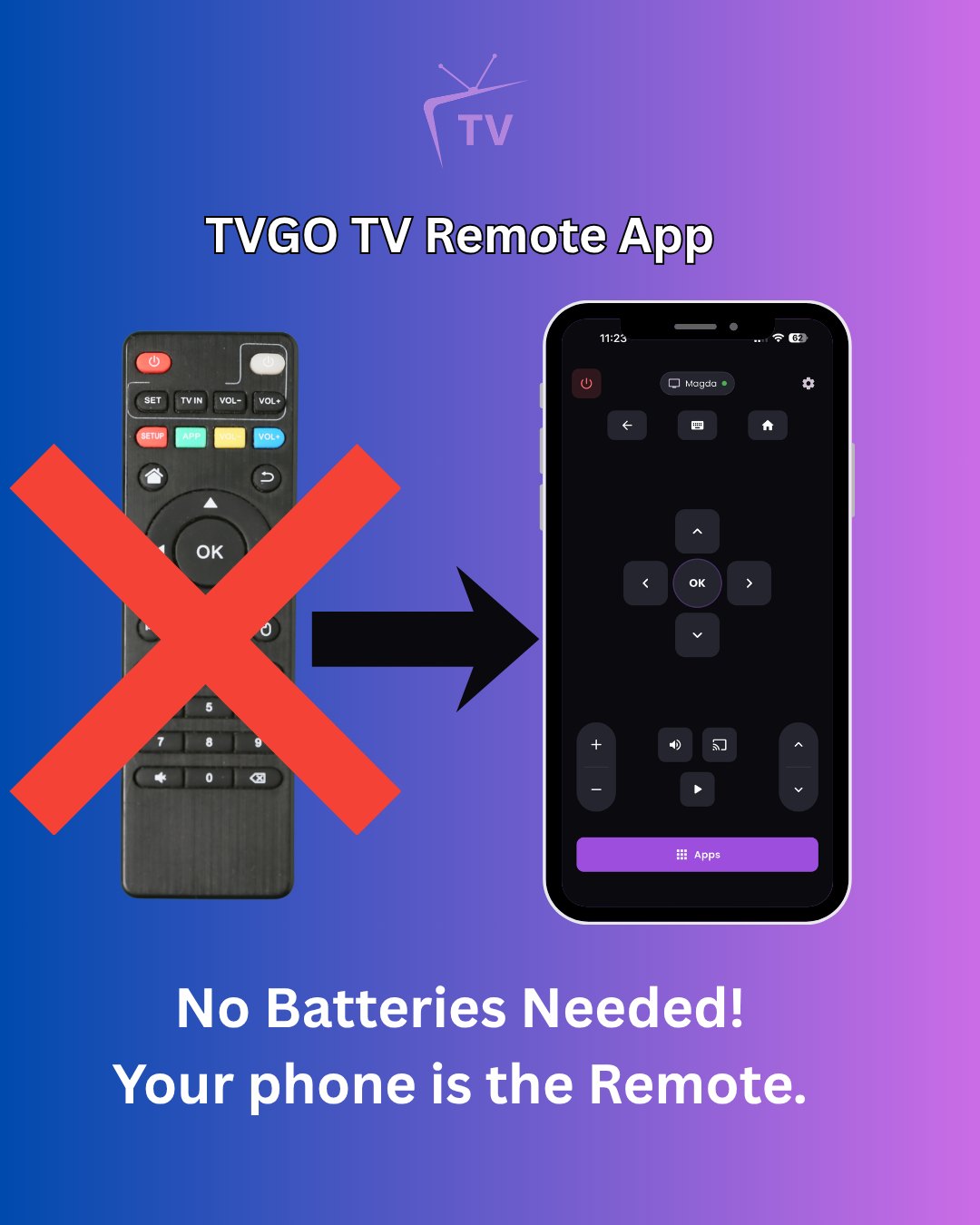
What Is TVGO and How Does It Work? Everything You Need to Know
Searching for a way to control your TV from your phone? TVGO is one of the most popular TV remote apps available right now and for good reason. This guide covers exactly what it is, how it works, and whether it is right for you.
What is TVGO?
TVGO is a Smart TV remote app for Android and iPhone. It replaces your physical remote by connecting to your TV over Wi-Fi, giving you full control of your TV directly from your phone. You can change channels, adjust volume, navigate menus, and switch inputs; everything your original remote does, from your phone.
Download it here: https://tvgo.carpediemcreations.io/
How does TVGO work?
TVGO works by connecting to your TV through your home Wi-Fi network. Once your phone and TV are on the same network, the app discovers your TV automatically and pairs with it. After a one-time setup, your phone acts as a remote every time you open the app.
It does not require an infrared blaster, Bluetooth, or any extra hardware. As long as your Wi-Fi is working, TVGO works.
Which TVs is TVGO compatible with?
TVGO supports over 50 TV brands, including all the major ones:
- Samsung
- LG
- Sony
- TCL
- Hisense
- Roku
- Fire TV
- Vizio
- Philips
- Sharp
- Panasonic
If your TV brand is not listed, check the full compatibility list at https://tvgo.carpediemcreations.io/ ; chances are it is supported.
Can TVGO control multiple TVs?
Yes. TVGO can manage multiple TVs from a single app. If you have TVs in different rooms, you can switch between them within the app without any extra setup.
Does TVGO work on Android and iPhone?
Yes. TVGO is available to download on both Android and iOS.
What do you need for TVGO to work?
- A smartphone running Android or iOS
- A compatible Smart TV
- Both your phone and TV connected to the same Wi-Fi network
- A stable Wi-Fi connection
Is there anything that can stop it from working?
A few things to watch out for:
- VPN: If you have a VPN running on your phone, turn it off. A VPN makes your phone appear to be on a different network, which prevents TVGO from finding your TV
- Wi-Fi bands: Make sure your phone and TV are on the same band ; both on 2.4GHz or both on 5GHz
- Samsung and LG: These brands require a one-time on-screen approval when you first connect. If you do not have a working remote, a USB mouse or keyboard plugged into your TV handles it. LG also offers a PIN option that lets you approve from your phone directly
Where can I download TVGO?
Download TVGO for Android and iOS at: https://tvgo.carpediemcreations.io/