Quick Launch is the TVGO feature that saves the most clicks on an Android TV. It lets you pin your favourite TV apps and open them with a single tap from your phone, with no scrolling through the home screen and no hunting through the app drawer. The question is which apps deserve a spot. Below are ten worth pinning, grouped by what you use them for, followed by how to set up Quick Launch and arrange your pins. If you have not connected TVGO to your TV yet, start with our Android TV setup guide.
Streaming: The Apps You Open Every Day
- Netflix. The default for films and series for many households. Pin it first so a binge session is one tap away.
- YouTube. Tutorials, music videos, sport highlights and creators all look better on the big screen. It is also where TVGO's keyboard and voice search earn their keep, since YouTube searches are long.
- Disney+. Family movie night, Marvel, Star Wars and Pixar, ready without navigating menus.
- Prime Video. A large library plus originals, worth quick access if you have an Amazon subscription.
These four cover most evenings. If you subscribe to other services, swap them in; Quick Launch works with any app installed on your Android TV.
Music: Turn the TV Into a Speaker
- Spotify. Pin Spotify to turn the TV and its speakers into a music system for parties, cooking or background listening. You can pick the playlist and control playback from your phone without opening the TV's interface.
- YouTube Music. A natural fit if you already use Google's services, with your playlists and music library available on the TV.
Music apps benefit more than most from Quick Launch, because you often want to start something quickly and then leave the screen alone.
Free Live TV: Something On Without a Subscription
- Pluto TV. Free live channels plus on-demand content, a good thing to have running in the background when nothing else appeals.
- Tubi. Another free, ad-supported option with a surprisingly deep catalogue of films and series.
Both are worth pinning even if you rarely open them: when you just want something on, they are faster than deciding which paid service to browse. Pair them with TVGO's live guide to check what is airing on regular channels at the same time.
- Plex. Stream your personal library of films, shows and music from a computer or home server to the big screen, with posters and descriptions like a streaming service.
- VLC. A reliable player for local files and network streams, useful for a video on a USB drive or a file shared from another device on your network.
These are the apps you open less often, which is exactly why pinning them helps: you will not remember where they are buried in the app drawer.
How to Set Up Quick Launch
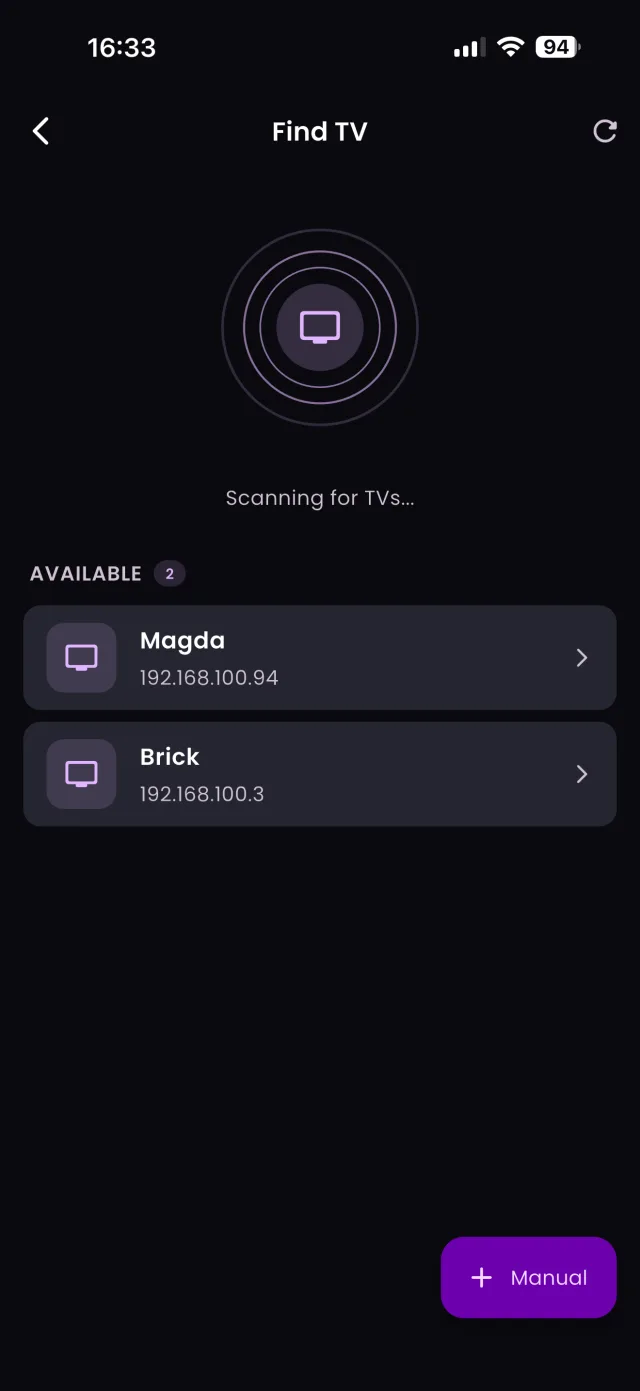
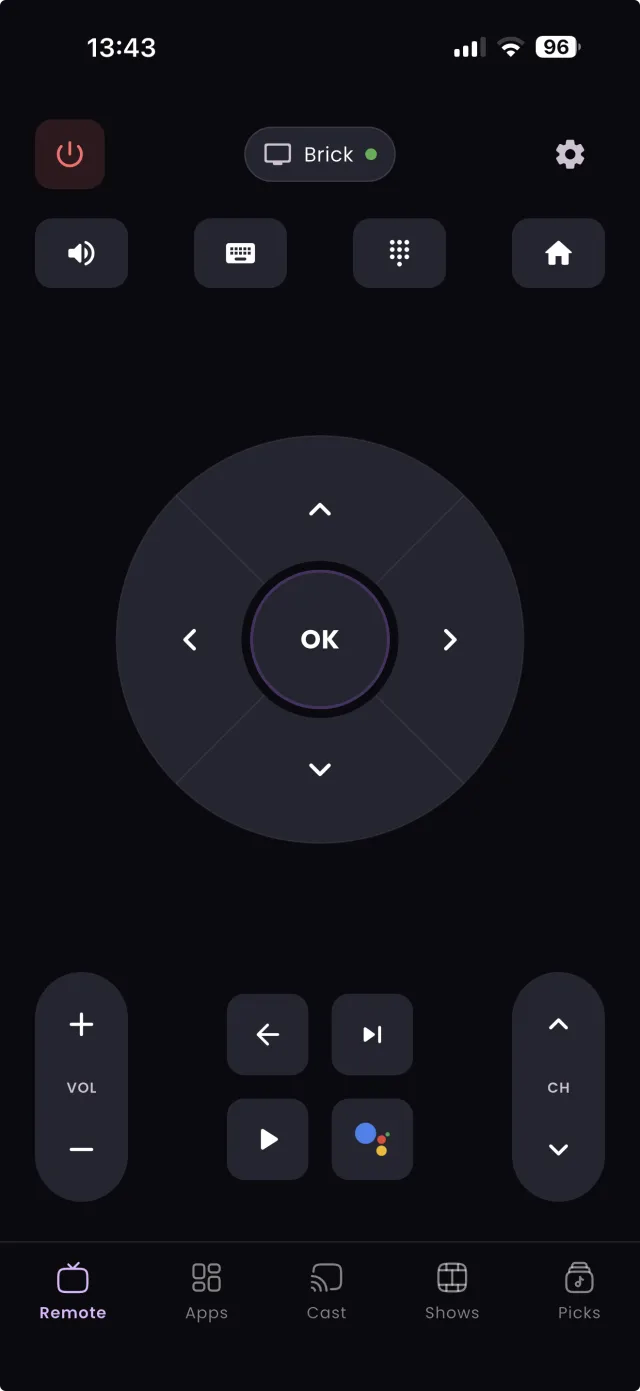
- Open TVGO and connect to your TV.
- Go to the Quick Launch section.
- Browse the apps installed on your TV, or search for one.
- Tap the pin icon next to each app you want to add.
- Drag the pinned apps into the order you prefer, with the ones you use most first.
From then on, tapping a pinned app opens it straight on the TV. Combine it with TVGO's keyboard search and you have the quickest route from deciding what to watch to watching it.
FAQ
Does Quick Launch work with apps not on this list?
Yes. You can pin any app installed on your Android TV.
Can I change my pinned apps later?
Yes. Return to the Quick Launch section to pin new apps or rearrange the order at any time.
Does Quick Launch install apps on my TV?
No. It opens apps that are already installed on the TV. Install new apps from the TV's own app store first, then pin them in TVGO.