"TV guide app" and "tracker app" sound like the same thing, but they do opposite jobs. A tracker looks backward at what you have already watched. A guide looks forward at what is on and what is coming. Knowing which problem you have saves you from installing an app that answers the wrong question. Below: what each kind of app does, the questions to ask yourself, and where TVGO fits, since it is a guide that also controls your TV. If you are deciding because TV Time shut down, our TV Time alternatives list compares the trackers in detail.
What a Tracker App Does
A tracker answers one question: what have I watched? You log episodes and movies as you finish them, rate them, and keep a watchlist of things you mean to get to. Over time you build a complete history of your viewing.
Popular trackers include Trakt, which has been around since 2010 and syncs with many other apps; Simkl, with automatic tracking; Serializd, built around season and episode reviews; Hobi; and mobile apps such as Moviebase and Sofa Time. They are excellent diaries. What they do not do is tell you that a show on your list airs tonight at nine on a particular channel, or get you to it. None of them control your TV.
What a TV Guide App Does
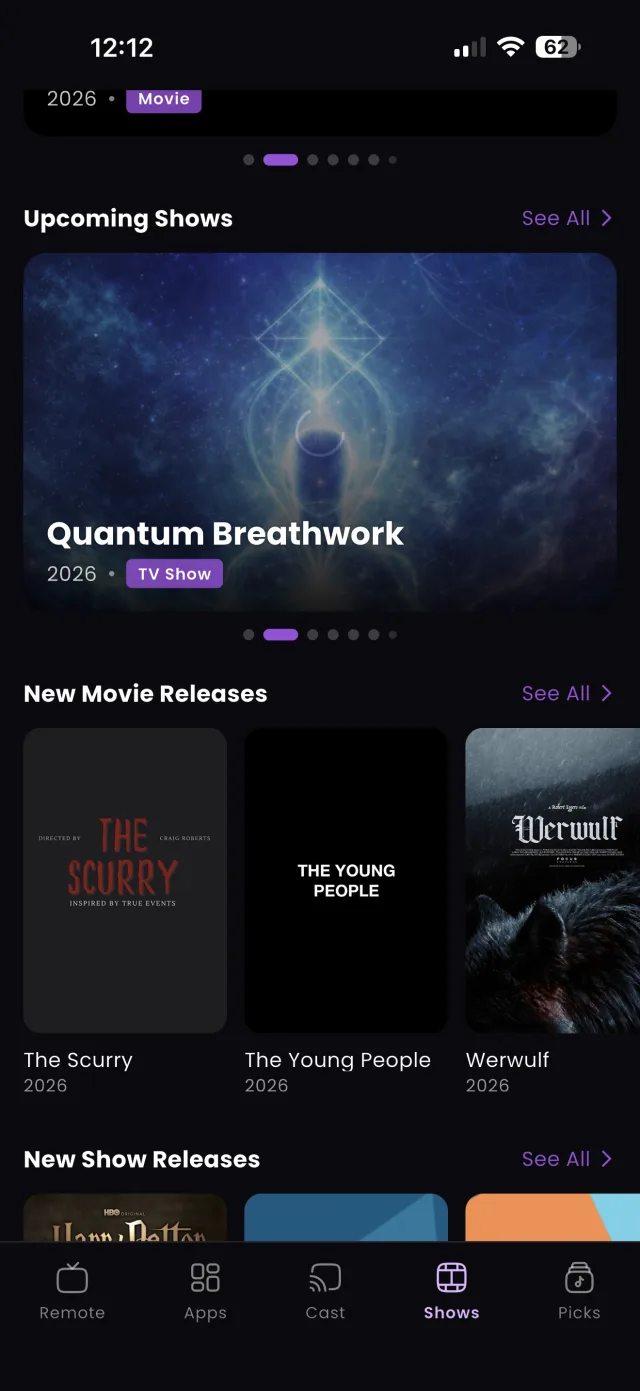
A guide answers a different question: what is on right now, what is coming up, and how do I get to it? Instead of a history, it shows a schedule: movies and shows airing across channels now and later, plus upcoming premieres.
TVGO's live guide works this way. You can scan everything that is on at once instead of channel surfing, search a title to find which channel airs it and when, and save anything you want to catch. Saved titles can get a reminder timeline, so TVGO notifies you as the date approaches and again when it starts. The goal is not a record of the past; it is not missing the next thing you care about.
Three Questions to Pick the Right One
Ask yourself which of these sounds most like you:
- "I want a record of everything I have watched." You need a tracker. Logging episodes, ratings and stats are what trackers are built for.
- "I never know what is on, and I keep missing premieres." You need a guide with reminders. That is a forward-looking problem a tracker cannot solve.
- "I lose time switching between apps and remotes to get to a show." You need a guide that can also control the TV.
Most people land on the second or third answer more often than they expect. A watchlist is only useful if something tells you when the item on it is actually available, and gets you there.
Where TVGO Fits
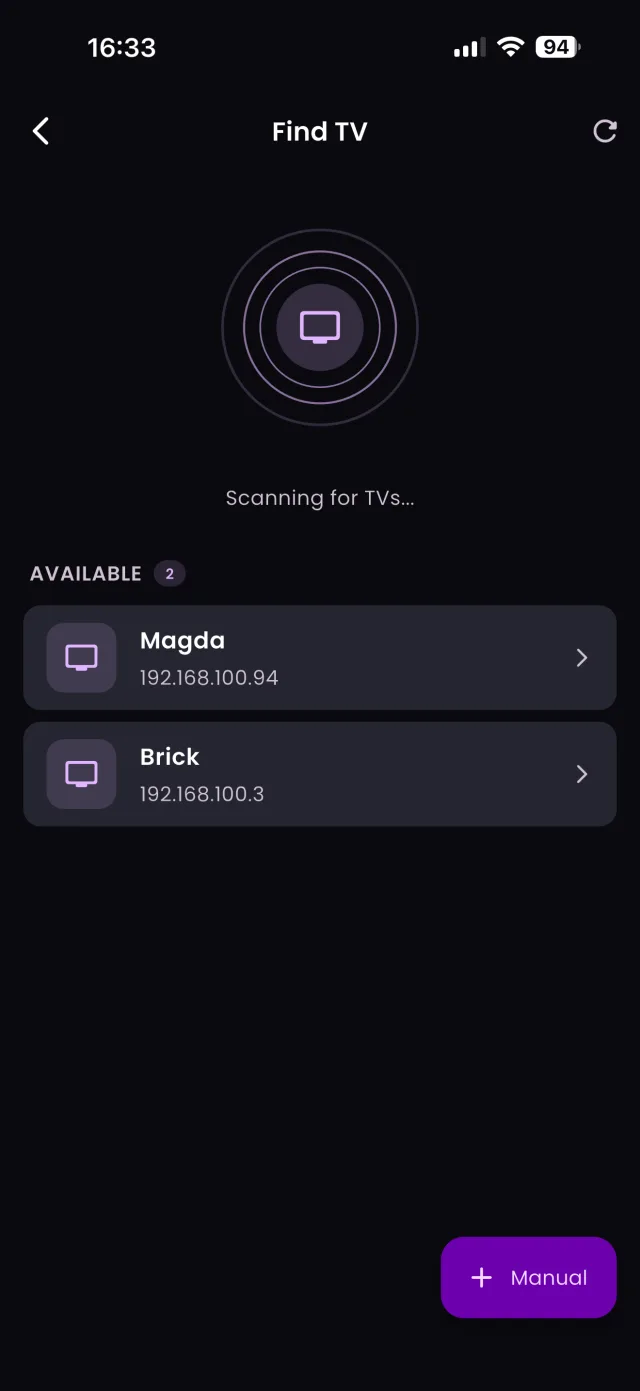
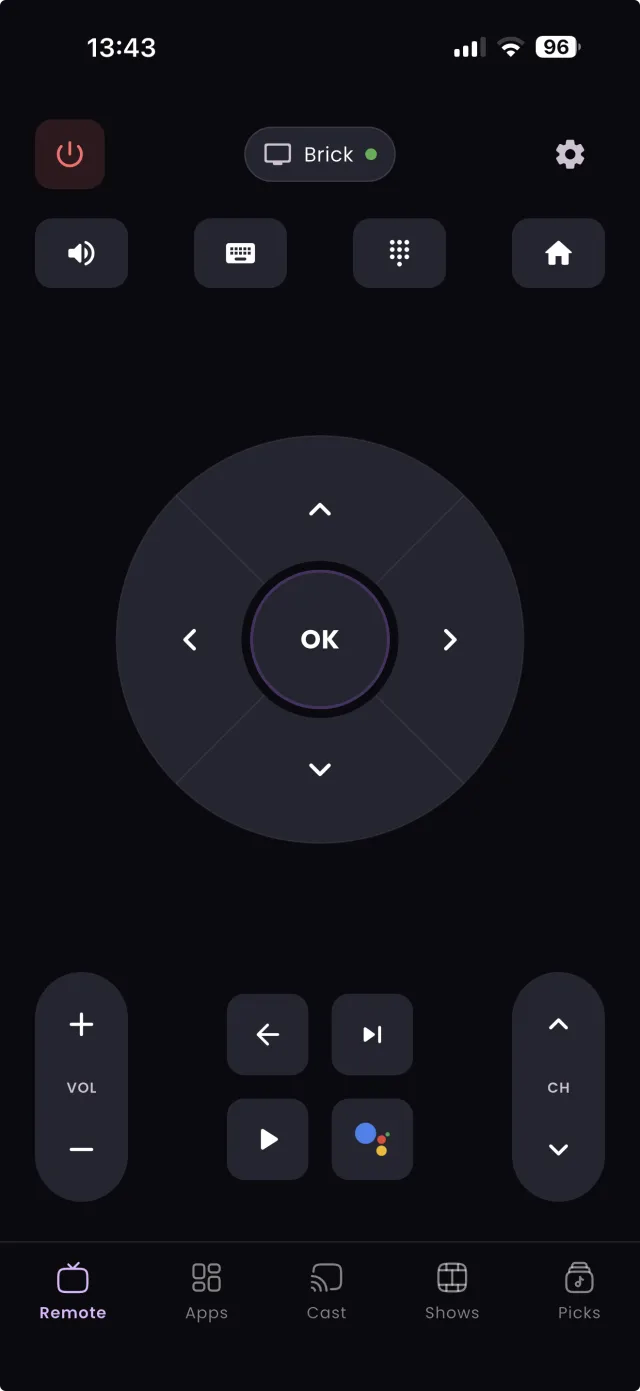
TVGO is a guide that also works as a universal remote. It controls smart TVs from 50+ brands, including Samsung, LG, Sony Bravia, Fire TV, Android TV and Google TV, over your home Wi-Fi, with no infrared blaster needed.
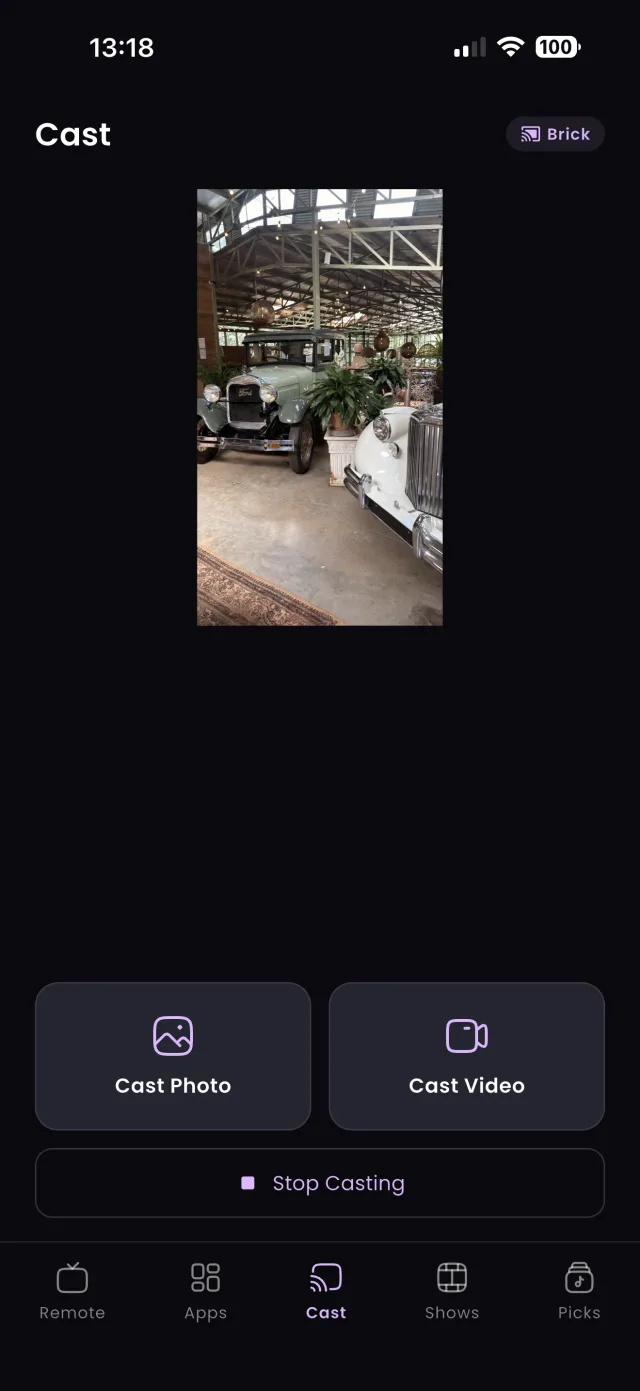
That closes the gap trackers leave. Find a show in the guide, then switch to its channel or open the streaming app from the same screen. Voice search types your query into whatever app is open on the TV, and one-tap shortcuts launch Netflix, YouTube, Disney+ and Prime Video. TVGO is on iPhone and Android, and iPhone users also get Siri, Shortcuts, Spotlight and Action Button support. It does not log your viewing history, so if you want both, run a tracker alongside it.
FAQ
Can one app be both a tracker and a TV guide?
Some trackers include a list of upcoming episodes for shows you follow, but they do not show live channel listings or control your TV. TVGO covers the guide and remote side, not the history side.
Do tracker apps send reminders?
Some send notifications for new episodes of shows you track. A guide app like TVGO also covers what is airing on channels you do not already follow, and reminds you before saved titles air.
Is a TV guide app useful if I only use streaming services?
Yes, for finding upcoming releases and getting reminded. TVGO's one-tap launch then opens the right streaming app on your TV.