You waited months for a new season, it dropped on a Thursday, and you found out from a spoiler. Missing premieres is rarely about forgetting what you want to watch; it is about tracking dozens of dates across a dozen services. TVGO, the TV remote app for iPhone and Android, solves this with three connected features: a live TV guide of what is airing now and coming up, a watchlist that keeps every saved title in one place, and reminder timelines that bring each title back to your attention before it airs or releases. This guide covers how to use all three, and how to go from a reminder to the right screen without picking up another remote.
Why Premiere Dates Slip Past You
There is more TV than ever, spread across more services than ever. One show premieres on a streaming service, another on cable, another on a channel you forgot you had. Release dates get announced months ahead and then shift, and each streaming app mostly promotes its own catalogue rather than the full picture.
Notes-app lists, screenshots of trailers and calendar entries all fail the same way: they do not update when a date moves, and they do not remind you at the right moment. A single notification on the day also tends to arrive when you have already made other plans. What helps is one list that covers every service, follows the latest schedule and reminds you early enough to plan your evening, not the morning after.
Step 1: Find the Title in the Live Guide
Open TVGO and go to the live guide. It shows what is airing right now across channels, plus upcoming movies and new TV episodes, so discovery happens in the same place you plan from. Scroll ahead to see what is coming later today, this week or further out.
Looking for something specific, such as a show a friend mentioned or a movie whose trailer just dropped? Search the title instead of scrolling. Search covers what is airing and what is coming up, so you can find a premiere that is still months away. Each result shows whether it is a movie or a TV show, along with its release year, so you can be sure you have the right one before you save it.
Step 2: Save It to Your Watchlist
Found it? Tap to save. TVGO adds the movie or show to your watchlist, where every saved title lives in one place, whether it airs on broadcast TV or a streaming service. You can save something that is on tonight or something that premieres next season.
Do not overthink this step. Saving is your rough draft: anything that looks interesting goes in, and you can decide later. Spend a few minutes browsing once and you will have a working watchlist; after that, adding a title takes a couple of seconds. Because everything sits in one list, checking what is coming up for you this week becomes a quick glance instead of a search across several apps.
Step 3: Attach a Reminder Timeline
This is what turns a list into a plan. For any saved title, attach a reminder timeline: a schedule for when TVGO should bring that title back to your attention before it airs or releases.
Instead of one easy-to-miss alert, a timeline keeps the premiere on your radar as the date approaches, with a final alert when it is time to watch. A premiere announced three months out is no problem: set the timeline once and forget about it. TVGO's guide follows the latest schedule, so a reminder stays tied to the title even if its date changes.
From Reminder to Remote in One App
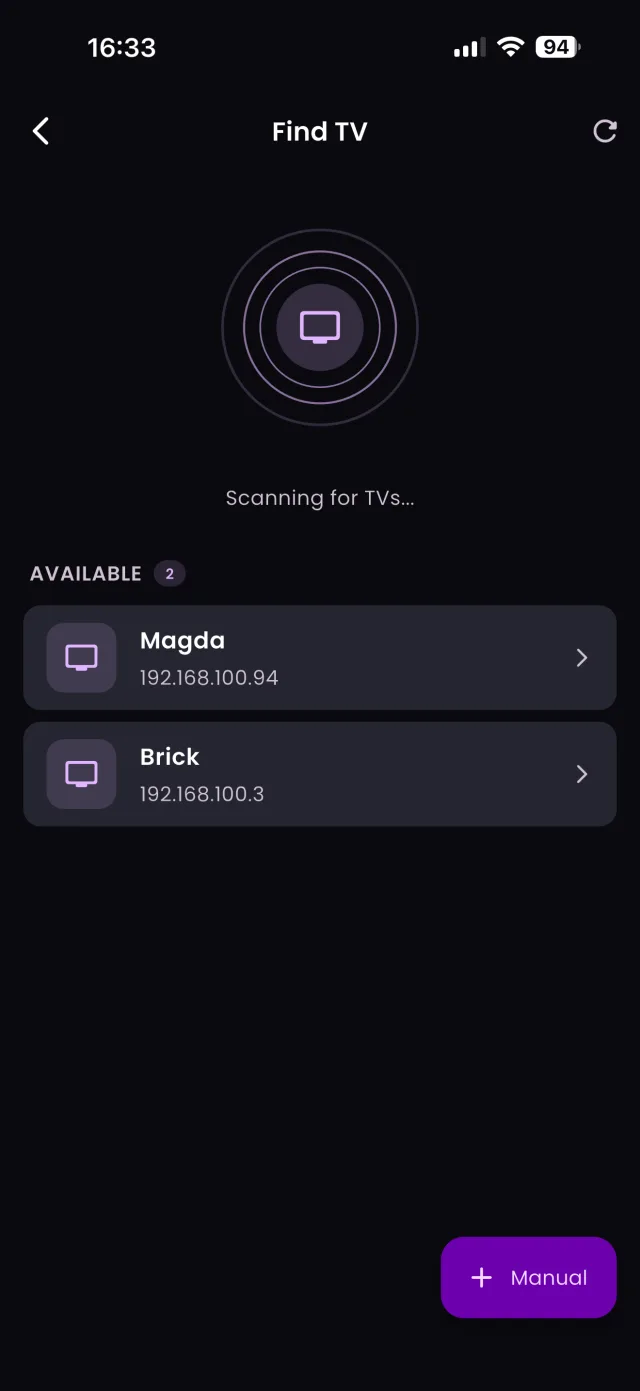
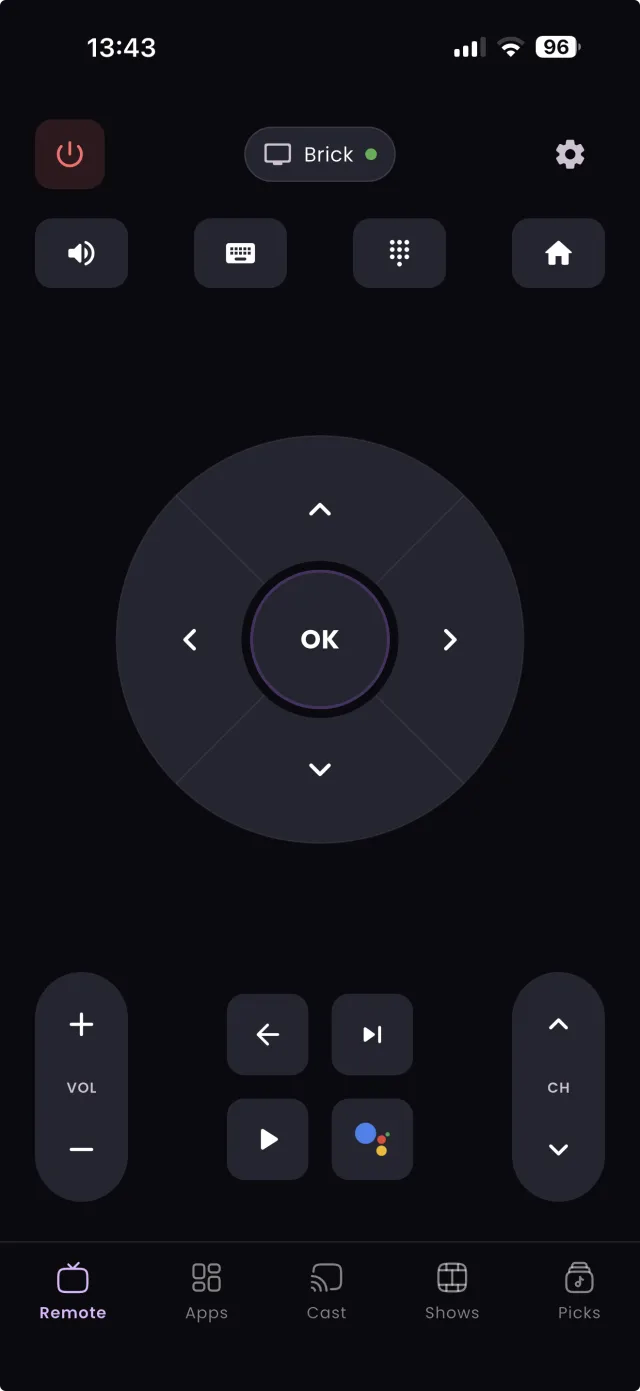
The last step is the one a plain watchlist or calendar app cannot do. TVGO is also a universal remote that controls smart TVs, streaming boxes and cast-enabled devices over your home Wi-Fi, for 50+ TV brands.
So when a reminder fires, you do not switch apps or hunt for the clicker. Open TVGO, turn on the TV, change to the right channel or open the streaming app with one tap, and start watching. The app that told you the show was starting is the same app that gets you there. If you plan a whole week at a time, our guide to building a weekly TV schedule shows a simple routine built on these same steps.
FAQ
Can TVGO remind me about movies as well as TV shows?
Yes. The live guide covers upcoming movies and TV shows, and any saved title can have a reminder timeline.
What happens if a premiere date changes after I save it?
TVGO's guide stays current, so your saved title and its reminders follow the latest schedule.
How far ahead can I save a title?
As soon as it appears in TVGO's guide, even months before it airs. The reminder timeline keeps it on your radar until premiere day.
Do I need a separate calendar app for TV reminders?
No. TVGO keeps the watchlist and the reminders together and sends the notifications itself.