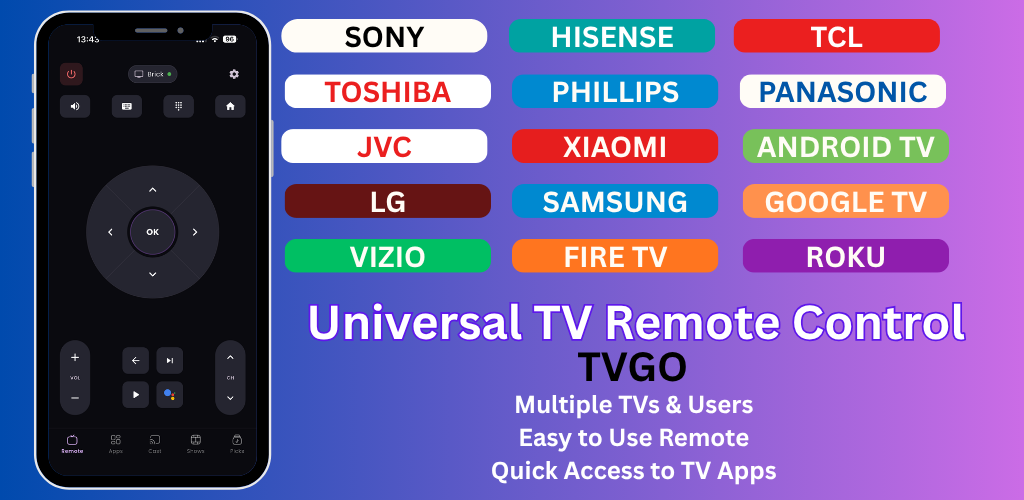
TVGO App Review: The Best Way to Control Your TV From Your Phone
If you have ever lost your TV remote, sat too far from the TV to reach it, or just wanted a smarter way to control what you watch, TVGO is the app you have been looking for. Here is everything you need to know about it.
What is TVGO?
TVGO is a Smart TV remote app available on both Android and iOS. It connects to your TV over Wi-Fi and turns your phone into a fully functional remote control; no infrared blaster required, no hardware dongles, no complicated setup.
It works with over 50 TV brands including Samsung, LG, Sony, TCL, Hisense, Roku, Fire TV, Philips, Sharp, and Panasonic, and it can control multiple TVs from a single app. Whether you have one TV in the living room or three spread across the house, TVGO handles them all.
Download TVGO here: https://tvgo.carpediemcreations.io/
Who is it for?
TVGO is useful for anyone who:
- Has lost or broken their physical TV remote
- Wants to control the TV from their phone without getting up
- Has multiple TVs and wants one app to control all of them
- Travels and wants a familiar remote setup in hotel rooms or rental properties
- Have dead batteries in their remote
What TVs does TVGO support?
TVGO connects with over 50 brands including:
- Samsung
- LG
- Sony
- TCL
- Hisense
- Roku
- Vizio
- Amazon Fire TV
- Philips
- Sharp
- Panasonic
- And any android tv
Full brand compatibility list available at: https://tvgo.carpediemcreations.io/
How does TVGO connect to your TV?
TVGO uses your home Wi-Fi network to communicate with your TV. As long as your phone and TV are on the same network, the app will find your TV automatically and pair with it in a few steps. No Bluetooth, no IR blaster, and no extra hardware needed.
What are the limitations?
Like all Wi-Fi remote apps, TVGO requires a stable Wi-Fi connection to work reliably. A weak or intermittent signal can cause the app to disconnect; though reconnecting is as simple as tapping connect again.
Samsung and LG TVs require a one-time on-screen approval when pairing for the first time, which can be tricky if your physical remote is already lost or broken. This is a limitation of Samsung and LG's TV operating systems, not the app itself. The workaround is straightforward; a USB mouse or keyboard plugged into the back of your TV gets you past it in under a minute.
The bottom line
TVGO is one of the most capable and widely compatible TV remote apps available today. It is free, works across a huge range of brands, and supports multiple TVs from a single app. If you need a remote app, this is the one to download.
Download TVGO: https://tvgo.carpediemcreations.io/