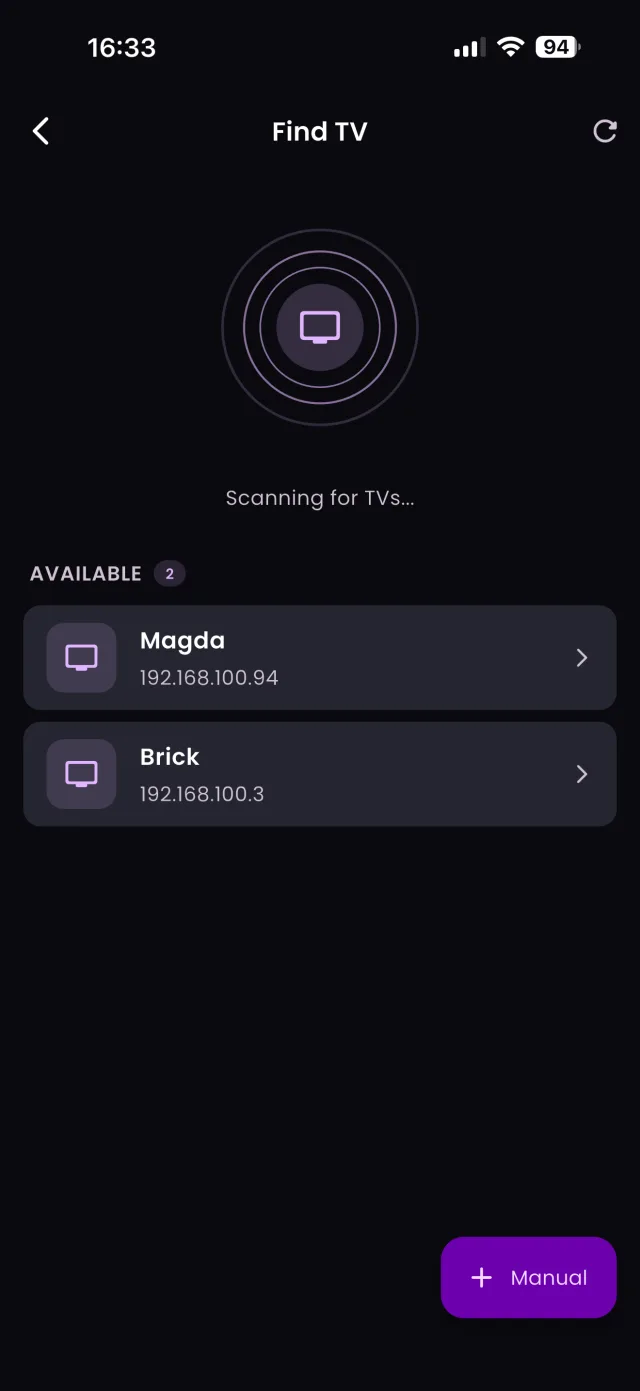
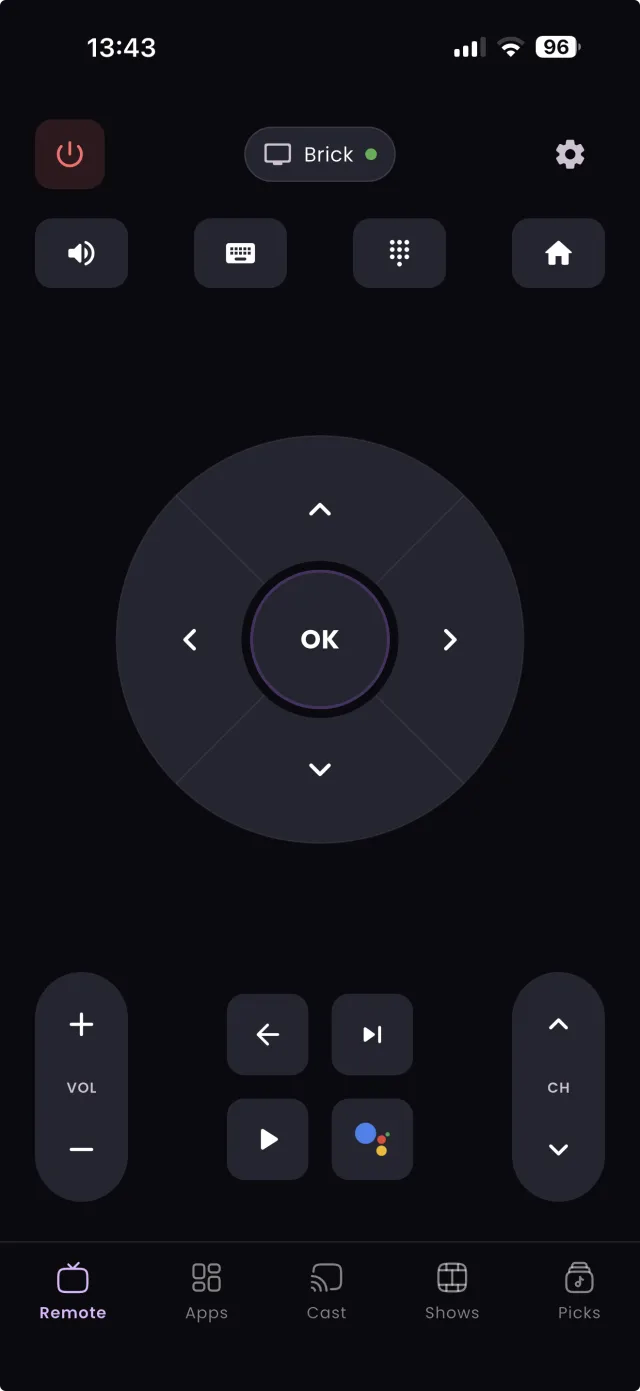

“What channel is this show on?” It's the question that ruins the first ten minutes of every movie night. Flipping through channels one by one is slow, and searching the web often turns up outdated listings. TVGO, for iPhone and Android, answers it in seconds: a live TV guide shows you exactly what's airing right now, and because TVGO is also a Wi-Fi universal remote, you can jump straight to the channel from the same screen.
Check the Live Guide for What's On Right Now
Open TVGO and the live guide lays out your channels with what's currently airing on each one. Instead of channel surfing, you scan one screen. That game, that movie everyone's texting about, that show you half-remember: if it's on right now, it's in the guide. Because the guide lists every channel on one screen, you can compare what is on side by side instead of landing on each channel halfway through a scene. If you just want something to watch, see how to find movies on TV tonight in under a minute.
Search by Show or Movie Name
Know what you want but not where it lives? Type the title into TVGO's search. TVGO looks across the guide and tells you which channel is airing it and when. No more guessing whether the movie is on channel 32 or 47. Search the name, get the channel, done. Search also works for titles that are not on yet, so you can find out which night a show airs this week before you plan your evening.