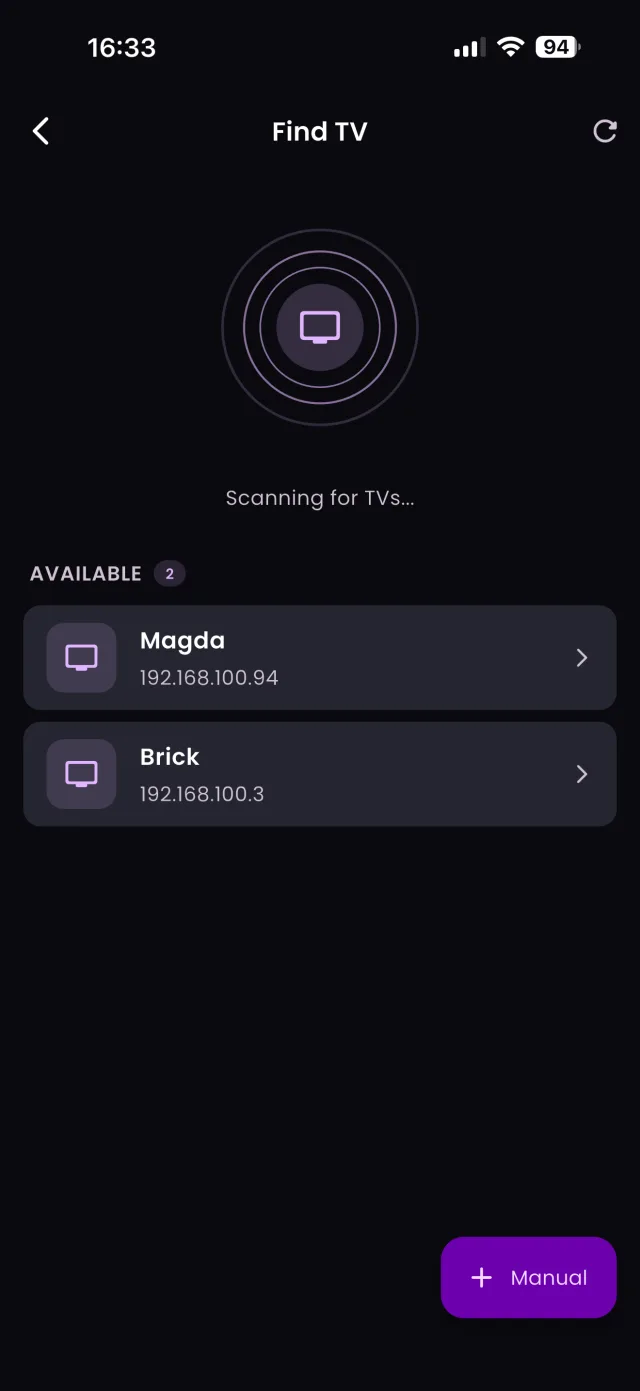
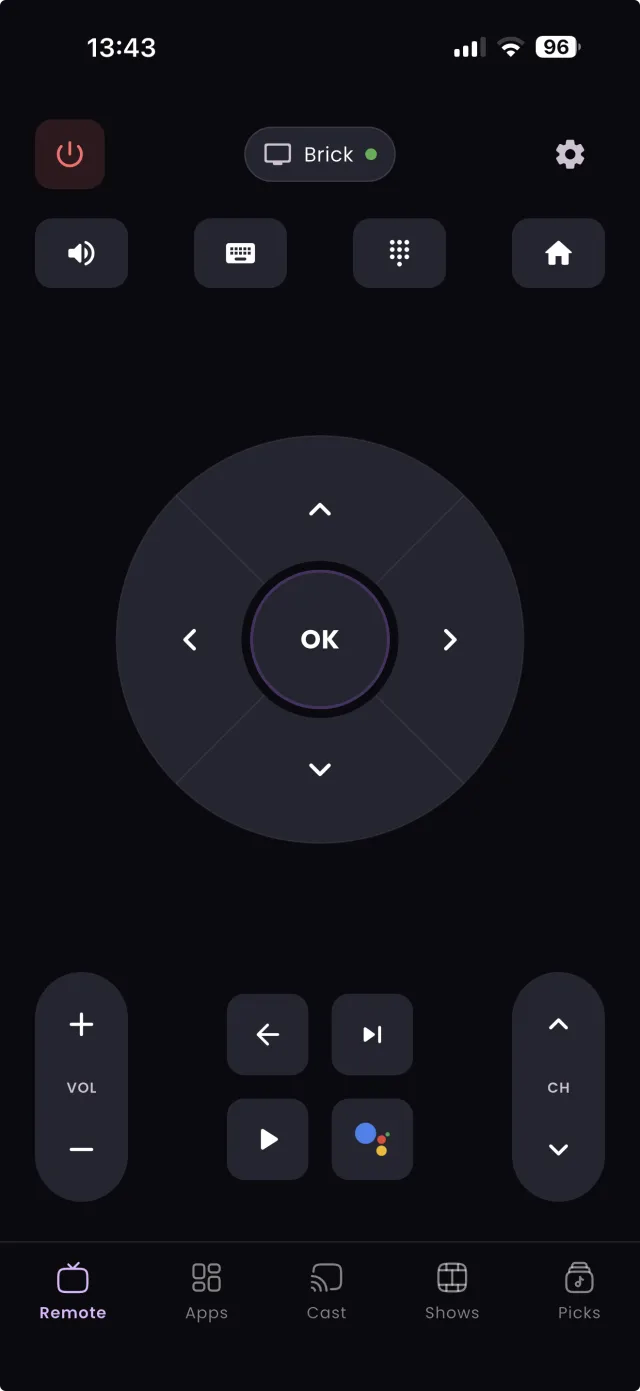
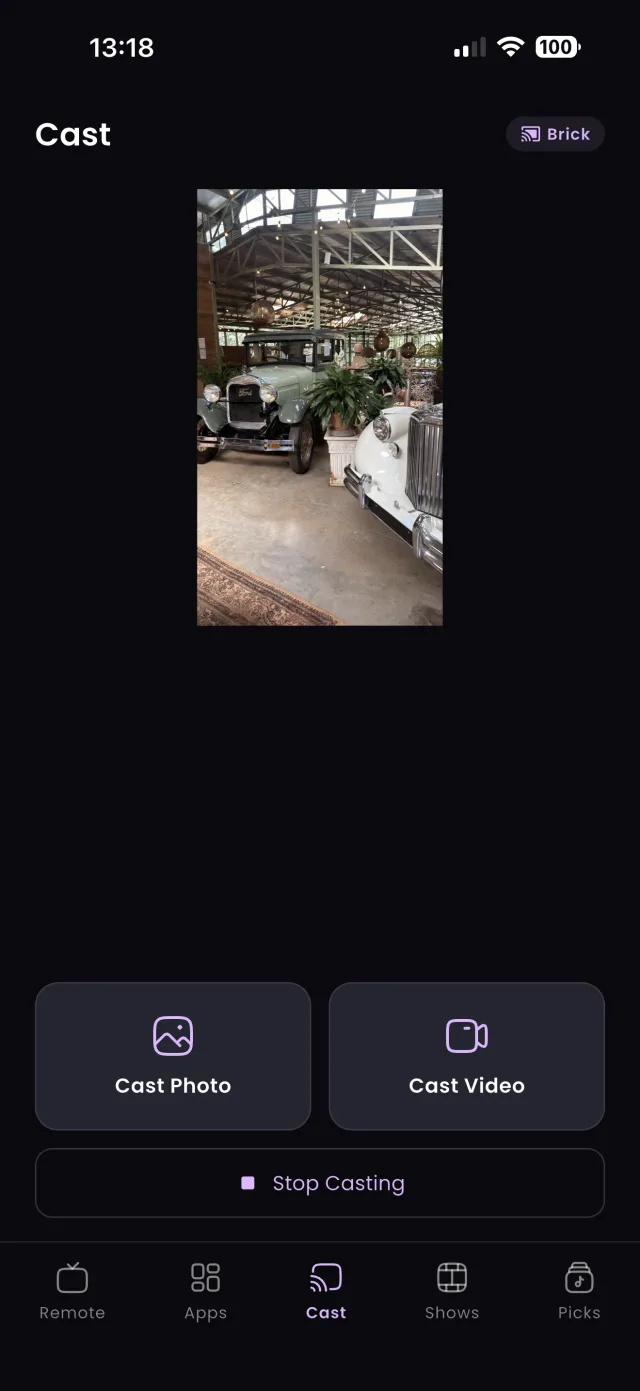
The TV remote has barely changed in decades: a slab of plastic with too many buttons and no way to type. The phone in your pocket can do everything it does and a good deal more. TVGO, a free app for iPhone and Android, turns your phone into a full remote for 50+ TV brands over Wi-Fi. Here are five practical reasons to make the switch, in order of how much time they save, followed by what you need to get started.
1. Typing on a Hardware Remote Is Painful
Searching for a movie with an on-screen keyboard and arrow keys means picking every letter one by one: down, down, right, select, and again for the next letter. Entering a Wi-Fi password or signing in to a streaming app is worse, because those are long and full of symbols.
With TVGO, you type on your phone's keyboard at full speed, with autocorrect and copy and paste, and the text appears on the TV. You can also use voice search: say the title you want and TVGO types it into whatever app is open. A search that takes a minute with a remote takes a few seconds with a phone, and it is the feature most people notice first.
2. Remotes Get Lost; Your Phone Doesn't
How many evenings have started with someone pulling the couch apart looking for the remote? Remotes slip between cushions, get carried into other rooms and end up in the toy box. Your phone, by contrast, is almost always within arm's reach, and if it is not, you already know how to find it.
Once TVGO is set up, the remote is wherever your phone is. Open the app and you are in control immediately, whether you are on the couch, in the kitchen or in another room, because TVGO works over Wi-Fi and does not need a line of sight to the TV. If you have just lost the remote and need to get the TV on tonight, our guide to what to do when you lose your TV remote covers the quick fixes too.
3. No Batteries Required
Hardware remotes eat through batteries, and they always seem to die at the worst moment, halfway through a film or just as the game starts. Then you are hunting for the right size of battery, or prising the old ones out of some other device.
Your phone is already charged and ready, because you charge it every day anyway. With TVGO, there is no separate device to keep powered, no battery cover to lose and no blinking light to tell you the remote is fading. It is one less small chore, and one less thing to buy.
With a traditional remote, opening an app means pressing Home, scrolling through rows of tiles and selecting the one you want, every single time. If you switch between a few services in an evening, that adds up.
TVGO's Quick Launch lets you pin the apps you use most, such as Netflix, YouTube and Disney+, and open them on the TV with a single tap from your phone. There is no navigating the TV's home screen at all. Our list of the best Android TV apps to pin has suggestions for what to add first.
5. Everyone Gets Their Own Remote
A hardware remote is a single point of control. Whoever is holding it decides, and when it goes missing, nobody can change anything.
With TVGO's Family Sharing, everyone in the household gets a remote on their own phone. Nobody has to hand it over or go looking for it, and it works across every TV in the house, so the bedroom TV and the living room TV are each one tap away for anyone at home.
FAQ
Can I still use my physical remote alongside TVGO?
Yes. TVGO does not disable the original remote, so you can use whichever is closer.
What do I need to switch to my phone as a remote?
A smart TV or streaming box on your home Wi-Fi, a phone on the same network, and the free TVGO app. Setup takes about five minutes.
Will my TV work with a phone remote?
Most smart TVs from the last several years will. TVGO supports 50+ brands, including Samsung, LG, Sony, TCL, Hisense, Roku, Fire TV and Android TV.